16 posts tagged with "Release"

View All Tags

New Version 2.4 - Copilot Multi-Agent Command

· 4 min read
Leader of XpertAI

We are excited to announce that the latest version of the Xpert Analysis Platform, version 2.4, is now available! As a cloud-based agile AI data analysis platform, it integrates multidimensional modeling, indicators management, and BI visualization to provide users with a one-stop data analysis solution. This update introduces the revolutionary "Copilot Multi-Agent Command" feature, further enhancing the platform's intelligence and user experience.

Version 2.3 - Copilot Agents and Business Roles

· 5 min read
Leader of XpertAI

Xpert Analysis Cloud, an agile data analysis platform based on cloud computing, integrates multidimensional modeling, metric management, and BI presentation, aiming to provide users with an efficient and convenient data analysis experience. We are pleased to announce that the latest version 2.3 of Xpert Analysis Cloud has been officially released. This update not only optimizes platform performance but also brings several exciting new features, particularly a comprehensive upgrade to Copilot Command and Roles.

Released Version 2.1

· 2 min read
Leader of XpertAI

We have released version 2.1.0, with the following major updates:

  1. Upgraded the state management framework, using @ngneat/elf, a reactive immutable state management solution.
    1. Upgraded the state management framework of the semantic model module, making semantic model operations more stable, and supporting State History and Undo/Redo functions. Refer to Shortcuts - Modeling Workspace 2. Upgraded the state management framework of the story module, supporting State History and Undo/Redo functions. Refer to Shortcuts - Story Preferences
  2. Changed olap data request method from Http requests to Websocket requests, improving the efficiency of data concurrent queries. Refer to WebSocket Request - Server Agent
  3. The dimension designer data preview interface supports tree structure display. Refer to Tree Preview - Dimension Designer
  4. Story designer interface updates:
    1. Support for fixing Toolbar to the sidebar: Refer to Toolbar - Story Workspace 2. Optimized Zoom in / Zoom out mode, allowing individual page zoom and pan. Refer to Shortcuts - Story Preferences 3. When opening a story in full-screen mode, it only goes full-screen within the webpage, no longer full-screening the browser.
  5. The indicator registration page supports real-time data trend preview of indicators. Refer to Preview - Indicator Registration
  6. Dimension/Measure selector component upgrade:
    1. Support for loading entity type status and error message display. 2. Support for customizing member tag fields as hierarchical attributes or member intrinsic attributes. Refer to Member Label - Dimension Selector
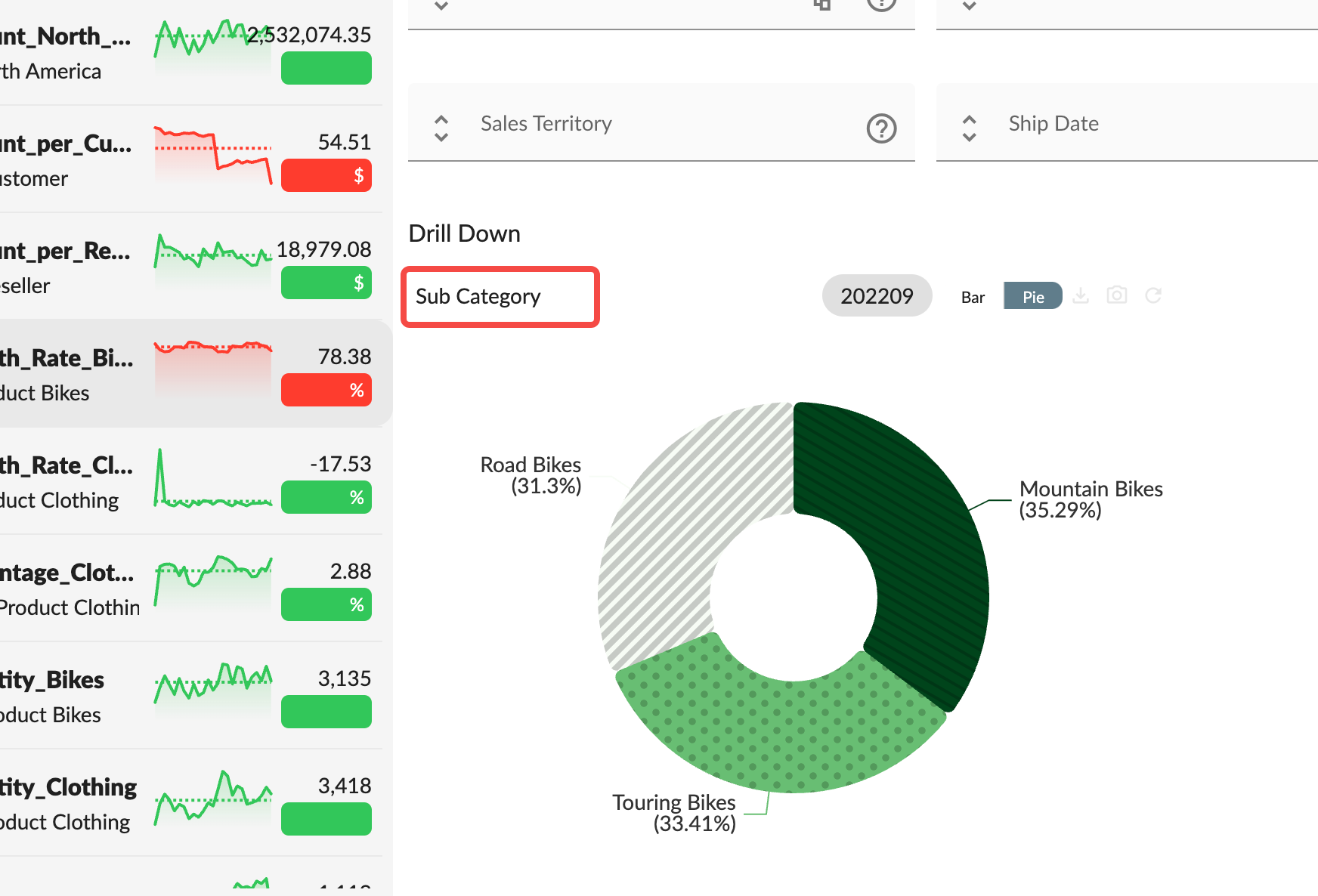
  7. In the indicator application, the drill-down chart displays the name of the current level as the title. Drilldown Title